

Documentation & Support
Funeral Divi Burial Services Theme Documentation
Requirements
Please Make Sure your Server must be compatible with this requirement click Here In Order To Install Theme.
GETTING STARTED
In order to install the Divi Landscaping Theme Multi Page Divi Theme, you must have Elegant themes Membership and Divi Theme.This Child theme is fully compatible with Divi v5+ just make sure that you’ve installed the latest version of Divi theme. Some features may not work correctly if the Divi theme version is less than v5.5.2
Ensure you have the Divi Theme installed and activated prior to installing the child theme. After you have the Divi Theme installed and activated, go ahead install your new child theme.
After purchase, download the ‘.zip’ file from your ‘My Account’ page at https://divi-childthemes.com/ (or the marketplace you purchased from) or click the download link in your purchase confirmation email and save the file to your computer.
Installation Video
Child Theme Installation
Again in your WordPress Dashboard, go to ‘Appearance>Themes>Add New’ and click on ‘Upload Theme’. Locate the ‘.zip’ file on your computer and click ‘Install Now’.
When the install is complete click on ‘Activate’, you will then see Divi Burial Services Theme as the active theme in your theme panel.
IMPORT DEMO DATA
On the left-hand side, you will see the new menu item called Divi Burial Services Theme . Hover over this and click ‘Imports Demo Data’.
Next, you will see options on which items to import. For a new installation, keep everything selected and click ‘Imports Demo Data’.
And all the Demo Data will be imported in a few seconds, Depending on your internet connection. When it’s done it will look like this.
Customizing The Site
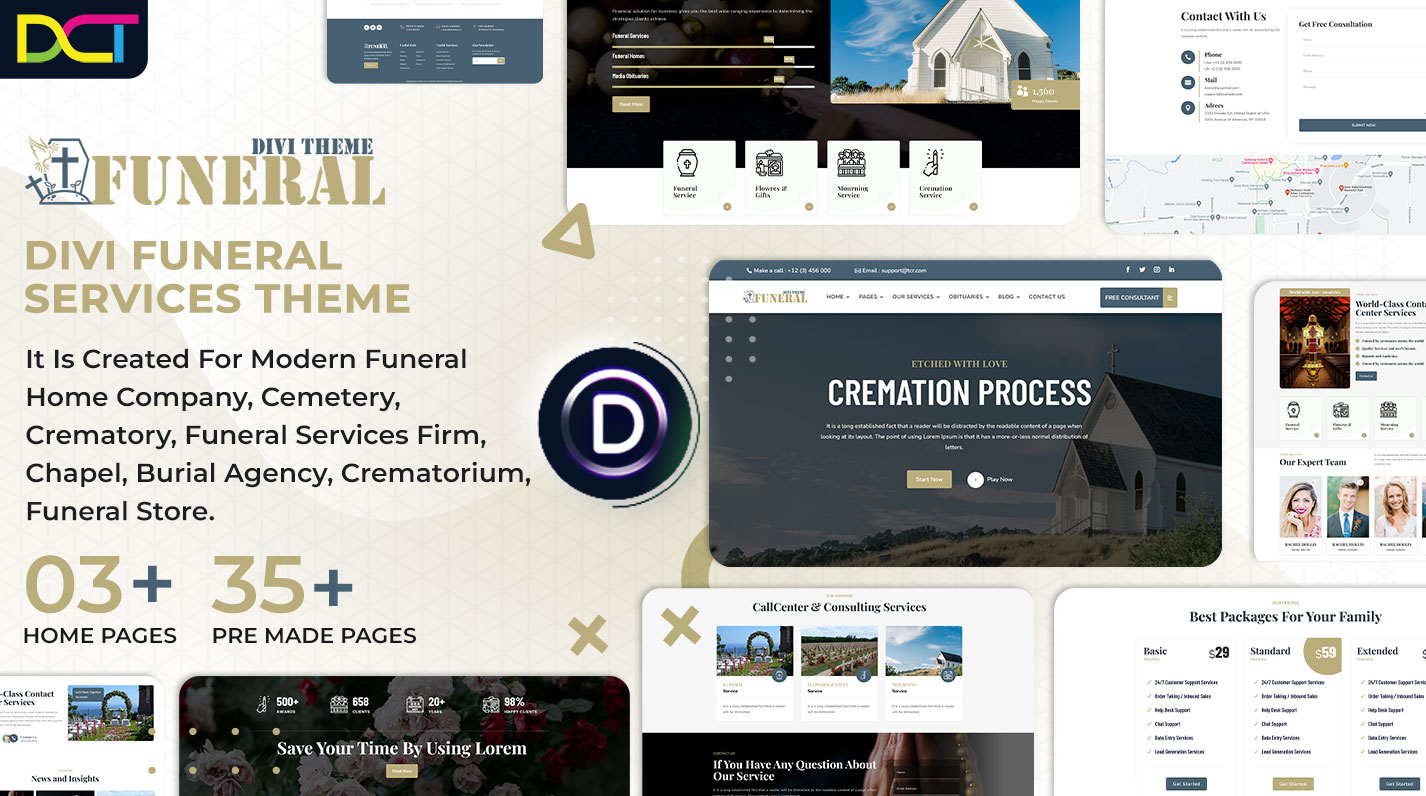
Your site should now look like the demo at https://divithemeshub.com/funeralservicestheme/, the only thing left to do is replace the text with your own and the placeholder images with your own images. You may now customize anything on the site including the logo, images, color schemes, fonts, layout, etc. Divi makes it super easy to do all of this, but some the styling you see is from the CSS file.
Photos
By law, we can’t include the photos in our product. However, if there were some you wanted to use, you can still do that by using the links below in the toggle. We tried to use either free or inexpensive stock photos for your convenience.
Photos Used In Demo
All The Codes in The Child Themes Were written by DCT Team (https://www.divi-childthemes.com)
Third party Photos Used
=====
Icons Taken From Flaticon.com and replace by Placeholder
=========================
- File Location : https://divifuneralservices.divifixer.com/wp-content/uploads/2023/06/dct_icon_1.png
- Source URL : https://www.flaticon.com/free-icon/candle_9918504
- File Location : https://divifuneralservices.divifixer.com/wp-content/uploads/2023/06/dct_icon_2.png
- Source URL : https://www.flaticon.com/free-icon/funeral_6857053
- File Location : https://divifuneralservices.divifixer.com/wp-content/uploads/2023/06/dct_icon_3.png
- Source URL : https://www.flaticon.com/free-icon/funeral_2941641
- File Location : https://divifuneralservices.divifixer.com/wp-content/uploads/2023/06/dct_icon_4.png
- Source URL : https://www.flaticon.com/free-icon/memorial-day_8281638
- File Location : https://divifuneralservices.divifixer.com/wp-content/uploads/2023/06/dct_icon_5.png
- Source URL : https://www.flaticon.com/free-icon/tomb_3781569
- File Location : https://divifuneralservices.divifixer.com/wp-content/uploads/2023/06/dct_icon_6.png
- Source URL : https://www.flaticon.com/free-icon/cremation_4056906
Below Free Images/Photos Used From Pxhere.com
=====
- File Location : https://divifuneralservices.divifixer.com/wp-content/uploads/2023/06/dct_pxhere_img_1.jpg
- Source URL : https://pxhere.com/en/photo/1395903
- License: CC0
- License URI: https://creativecommons.org/share-your-work/public-domain/cc0/
- File Location : https://divifuneralservices.divifixer.com/wp-content/uploads/2023/06/dct_pxhere_img_2.jpg
- Source URL : https://pxhere.com/en/photo/1153090
- License: CC0
- License URI: https://creativecommons.org/share-your-work/public-domain/cc0/
- File Location : https://divifuneralservices.divifixer.com/wp-content/uploads/2023/06/dct_pxhere_img_3.jpg
- Source URL : https://pxhere.com/en/photo/634822
- License: CC0
- License URI: https://creativecommons.org/share-your-work/public-domain/cc0/
- File Location : https://divifuneralservices.divifixer.com/wp-content/uploads/2023/06/dct_pxhere_img_4.jpg
- Source URL : https://pxhere.com/en/photo/1094072
- License: CC0
- License URI: https://creativecommons.org/share-your-work/public-domain/cc0/
- File Location : https://divifuneralservices.divifixer.com/wp-content/uploads/2023/06/dct_pxhere_img_5.jpg
- Source URL : https://pxhere.com/en/photo/1132186
- License: CC0
- License URI: https://creativecommons.org/share-your-work/public-domain/cc0/
- File Location : https://divifuneralservices.divifixer.com/wp-content/uploads/2023/06/dct_pxhere_img_6.jpg
- Source URL : https://pxhere.com/en/photo/1323226
- License: CC0
- License URI: https://creativecommons.org/share-your-work/public-domain/cc0/
- File Location : https://divifuneralservices.divifixer.com/wp-content/uploads/2023/06/dct_pxhere_img_7.jpg
- Source URL : https://pxhere.com/en/photo/722841
- License: CC0
- License URI: https://creativecommons.org/share-your-work/public-domain/cc0/
- File Location : https://divifuneralservices.divifixer.com/wp-content/uploads/2023/06/dct_pxhere_img_8.jpg
- Source URL : https://pxhere.com/en/photo/778419
- License: CC0
- License URI: https://creativecommons.org/share-your-work/public-domain/cc0/
- File Location : https://divifuneralservices.divifixer.com/wp-content/uploads/2023/06/dct_pxhere_img_9.jpg
- Source URL : https://pxhere.com/en/photo/1068481
- License: CC0
- License URI: https://creativecommons.org/share-your-work/public-domain/cc0/
- File Location : https://divifuneralservices.divifixer.com/wp-content/uploads/2023/06/dct_pxhere_img_10.jpg
- Source URL : https://pxhere.com/en/photo/778412
- License: CC0
- License URI: https://creativecommons.org/share-your-work/public-domain/cc0/
- File Location : https://divifuneralservices.divifixer.com/wp-content/uploads/2023/06/dct_pxhere_img_11.jpg
- Source URL : https://pxhere.com/en/photo/807134
- License: CC0
- License URI: https://creativecommons.org/share-your-work/public-domain/cc0/
- File Location : https://divifuneralservices.divifixer.com/wp-content/uploads/2023/06/dct_pxhere_img_12.jpg
- Source URL : https://pxhere.com/en/photo/883750
- License: CC0
- License URI: https://creativecommons.org/share-your-work/public-domain/cc0/
Other Images Taken From Elegant Layouts
=========================
- File Location : https://divifuneralservices.divifixer.com/wp-content/uploads/2023/06/funeral-home-1.jpg
- File Location : https://divifuneralservices.divifixer.com/wp-content/uploads/2023/06/funeral-home-2.jpg
- File Location : https://divifuneralservices.divifixer.com/wp-content/uploads/2023/06/funeral-home-3.jpg
- File Location : https://divifuneralservices.divifixer.com/wp-content/uploads/2023/06/funeral-home-4.jpg
- File Location : https://divifuneralservices.divifixer.com/wp-content/uploads/2023/06/funeral-home-5.jpg
- File Location : https://divifuneralservices.divifixer.com/wp-content/uploads/2023/06/funeral-home-06.jpg
- File Location : https://divifuneralservices.divifixer.com/wp-content/uploads/2023/06/funeral-home-7.jpg
- File Location : https://divifuneralservices.divifixer.com/wp-content/uploads/2023/06/funeral-home-8.jpg
- File Location : https://divifuneralservices.divifixer.com/wp-content/uploads/2023/06/funeral-home-10.jpg
- File Location : https://divifuneralservices.divifixer.com/wp-content/uploads/2023/06/funeral-home-11.jpg
- Source URL : https://www.elegantthemes.com/blog/divi-resources/get-a-free-funeral-home-layout-pack-for-divi
- License: CC0
- License URI: https://creativecommons.org/share-your-work/public-domain/cc0/
Testimonials Member Images
=========================
dct_person_1.jpg
dct_person_2.jpg
dct_person_3.jpg
dct_person_4.jpg
dct_person_5.jpg
dct_person_6.jpg
dct_person_7.jpg
dct_person_8.jpg
dct_person_9.jpg
dct_team_1.jpg
dct_team_2.jpg
dct_team_3.jpg
dct_team_4.jpg
dct_team_5.jpg
- Source URL : https://www.elegantthemes.com/blog/divi-resources/get-a-free-funeral-home-layout-pack-for-divi
- License: CC0
- License URI: https://creativecommons.org/share-your-work/public-domain/cc0/
Logo Images
=========================
dct_c_logo_01.png
dct_c_logo_02.png
dct_c_logo_03.png
dct_c_logo_04.png
dct_c_logo_05.png
dct_c_logo_06.png
dct_c_logo_07.png
dct_c_logo_08.png
---------------
- Source URL : https://www.elegantthemes.com/blog/divi-resources/get-a-free-architecture-firm-layout-pack-for-divi
- License: CC0
- License URI: https://creativecommons.org/share-your-work/public-domain/cc0/
More Customization
If you want us to customize the site to match your branding, content, colors, and niche, please contact us for our current rates and we would be happy to help.
Version 1.0.0 (03.11.2023)
- No Update Till Date
Version 1.0.1 (21.05.2026)
- Added full compatibility with Divi 5.
- Removed all legacy DCT Theme Options.
- Added a new DCT Admin Panel.
- Added new DCT Theme Options:
- General Settings
- Back to Top
- Mobile Menu
- Custom Cursor
- Preloader