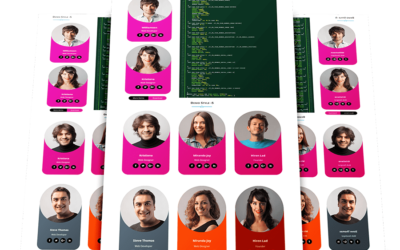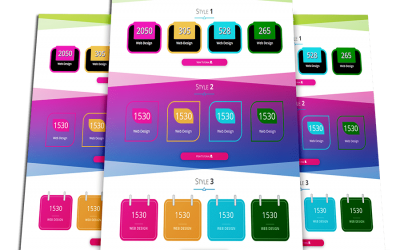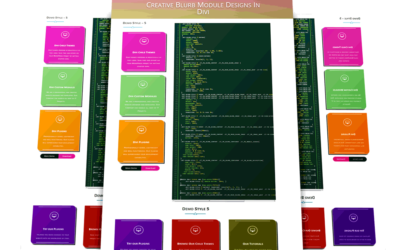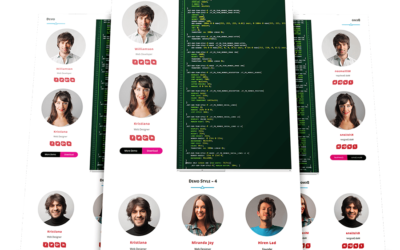













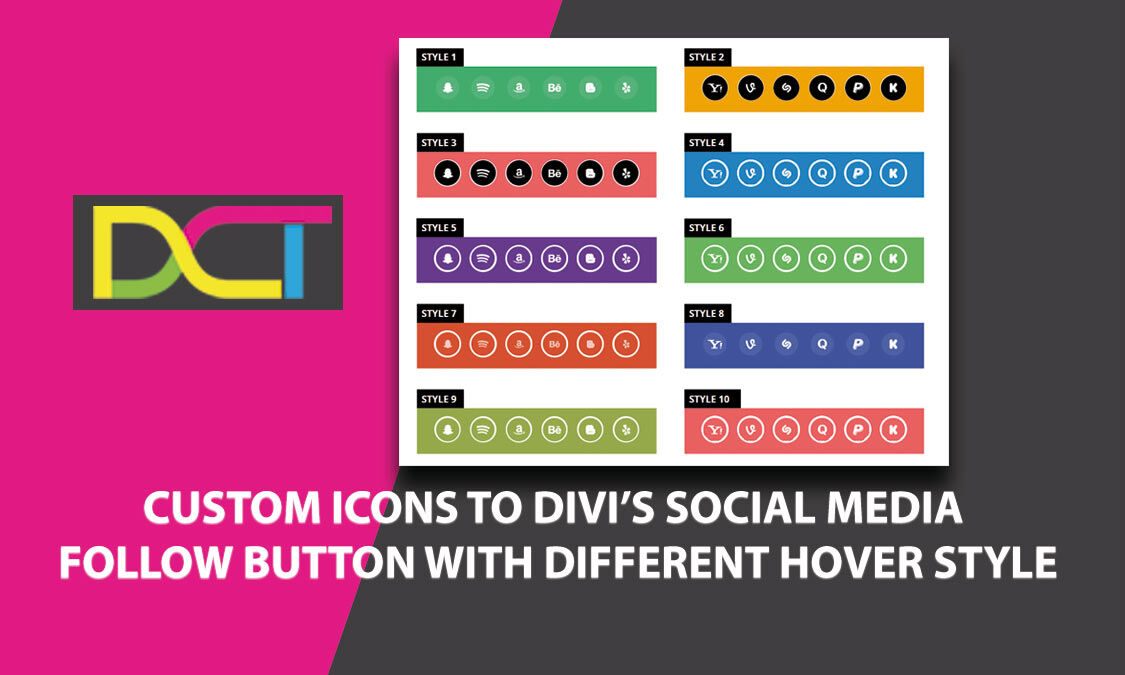
In this tutorial,We are going to show you some unique Custom Icons to Divi’s Social Media Follow Button With Different Hover Style that just may surprise you. Divi Social Media Follow module allows you to easily style and add those important links to your social networks anywhere on your website.
Style 1
Style 2
Style 3
Style 4
Style 5
Style 6
Style 7
Style 8
Style 9
Style 10
Steps for HOVER Effect with DIVI SOCIAL MEDIA FOLLOW Custom icons
Step 1. Download Custom_Icons_to_Divi_Social_Media_Follow_Button_With_Different_Hover_Style.json File.
Step 2. Unzip files
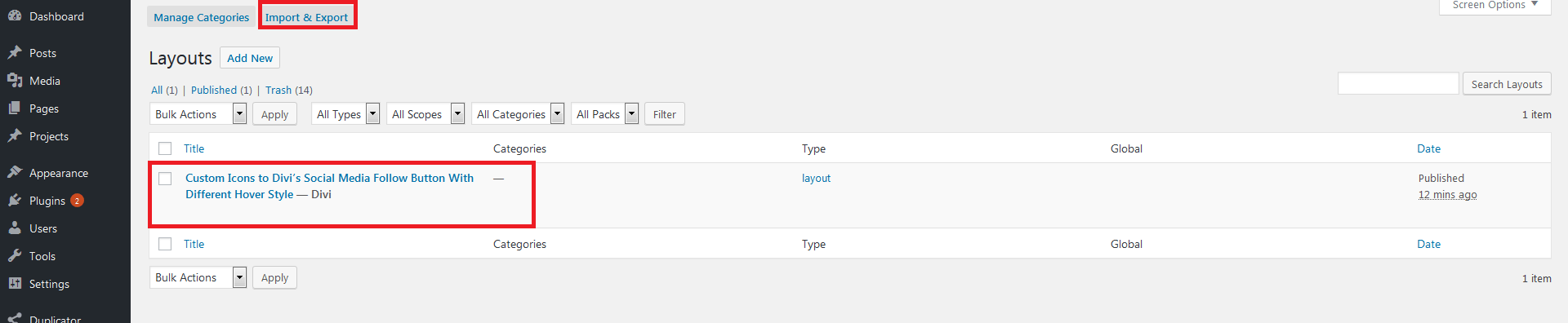
Step 3. Import Custom_Icons_to_Divi_Social_Media_Follow_Button_With_Different_Hover_Style.json file on on Divi -> Divi Library -> Import & Export Button
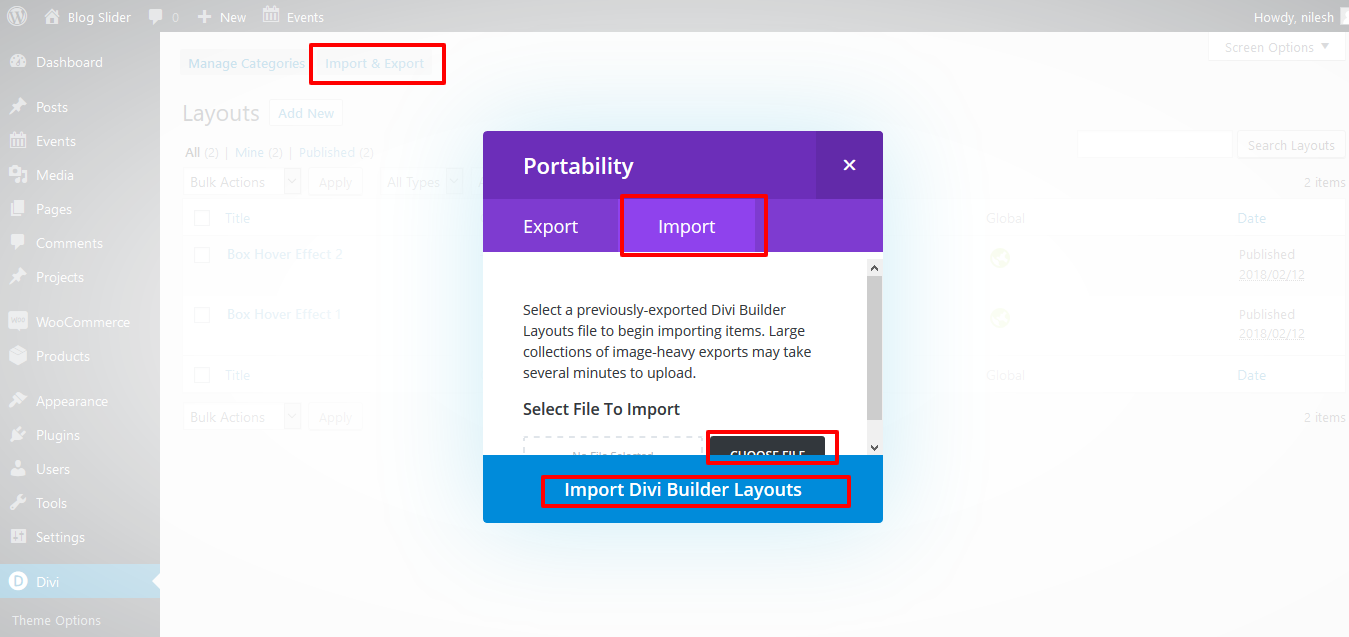
Step 4. After import layout json files you can see in below
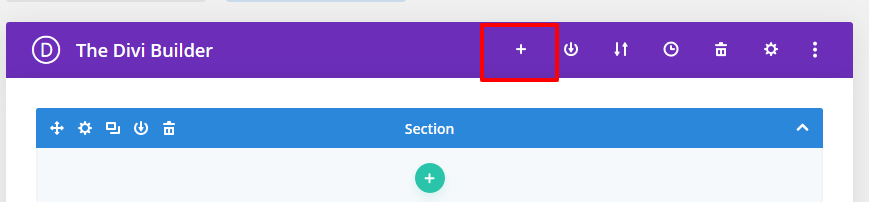
Step 5. Click on “+” Icon see below image
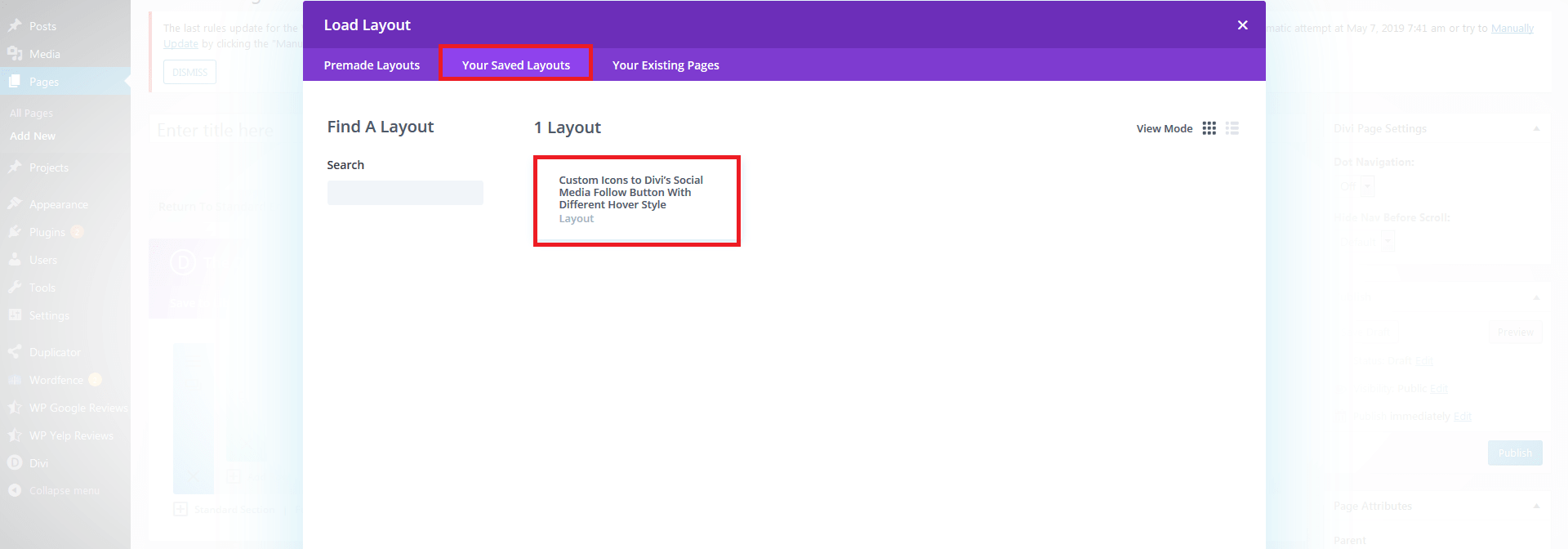
Step 6. After click ,layout will be load then Publish Page
Step 7. Here two way possibility of use tilt .
1. Using Child theme
On unzip folder you can found Child Theme folder “CUSTOM_ICON_HOVER_EFFECT.zip” file so just upload and activate.
If child theme already exist then follow below step
-> Copy enqueue script function “DCT_CUSTOM_ICONS_HOVER_EFFECTS” code and paste on your existing child theme functions.php file.
-> Copy DCT_CUSTOM_ICONS_HOVER_EFFECTS.css code and paste on your existing child theme style.css file.
DCT_CUSTOM_ICONS_HOVER_EFFECTS In Function.php
function DCT_CUSTOM_ICONS_HOVER_EFFECTS() {

wp_enqueue_style( 'custome-icon-hover-effect', get_stylesheet_directory_uri() . '/DCT_CUSTOM_ICONS_HOVER_EFFECTS.css' );

}

/* Add Front-Site Css
-------------------------------------------------------------- */

add_action( 'wp_enqueue_scripts', 'DCT_CUSTOM_ICONS_HOVER_EFFECTS' );
2. Without Child theme
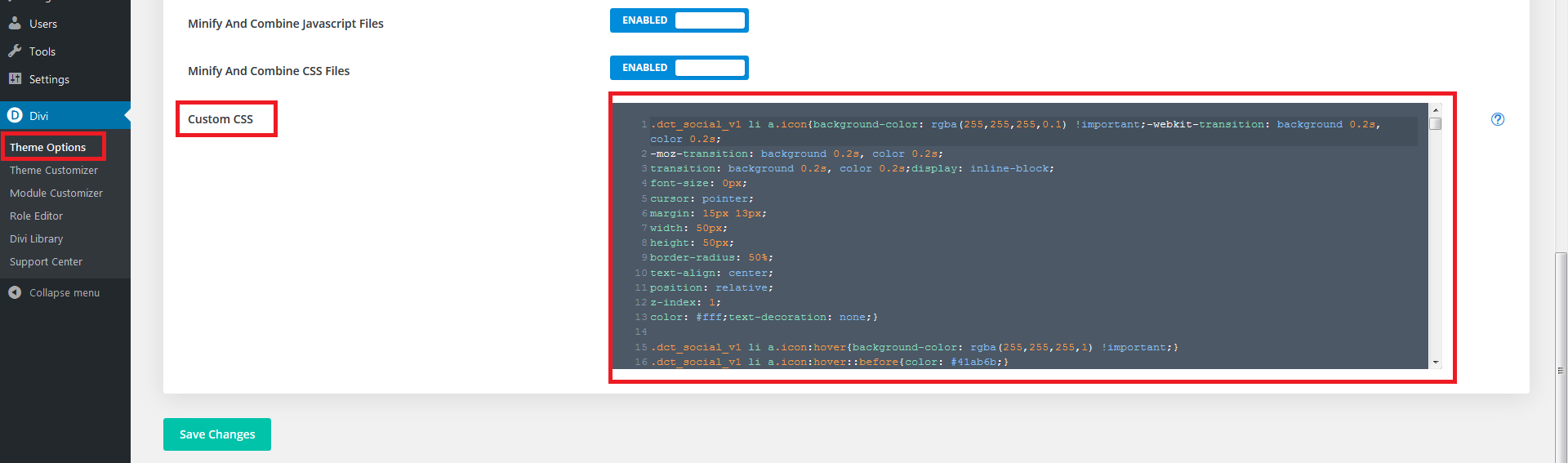
-> Upload “DCT_CUSTOM_ICONS_HOVER_EFFECTS.CSS” file on your server or anywhere and add that path on Divi-> Theme Options -> GENeRAL Tab.
-> Copy CSS code from FOLDER file and paste on Divi-> Theme Options -> GENeRAL Tab -> Custom CSS.
Just PASTE CSS code in CUSTOM CSS TAB AND SAVE IT.
See image
-> Copy style code from style.css file and paste on Divi -> Theme Options -> General -> Custom CSS .
See Image
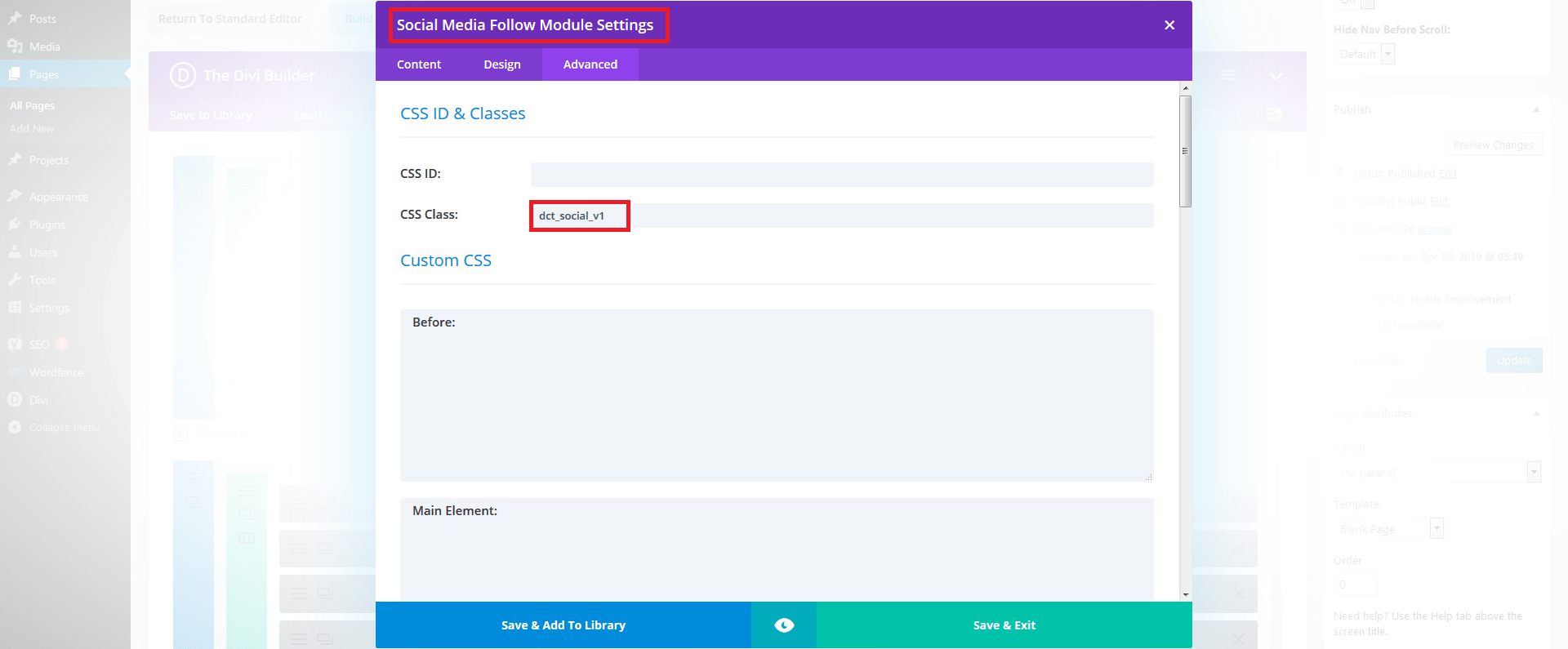
For Simple Effect use class “dct_SOCIAL_V1” on social medial follow module .
See Images :
Trackbacks / Pingbacks
Reference URL : How to Add Custom Icons to Divi’s Social Media Module